Choose your balance
Enlarge the video when you want a closer look. Shrink it when you want more space for messages.
 twichat.ALPHA
DESKTOP TWITCH CLIENT · MACOS, WINDOWS, LINUX
Twichat is a free Twitch client with a clean, responsive interface. Size chat and video the way you want, with Twitch, 7TV, BTTV and FFZ emotes built in. No extensions to install.
Twichat is a desktop application. Open this page on macOS, Windows or Linux to download it.
GitHubmacOS, Windows and Linux
See the app in pictures● ALPHA · free, direct download
THE APP · 01
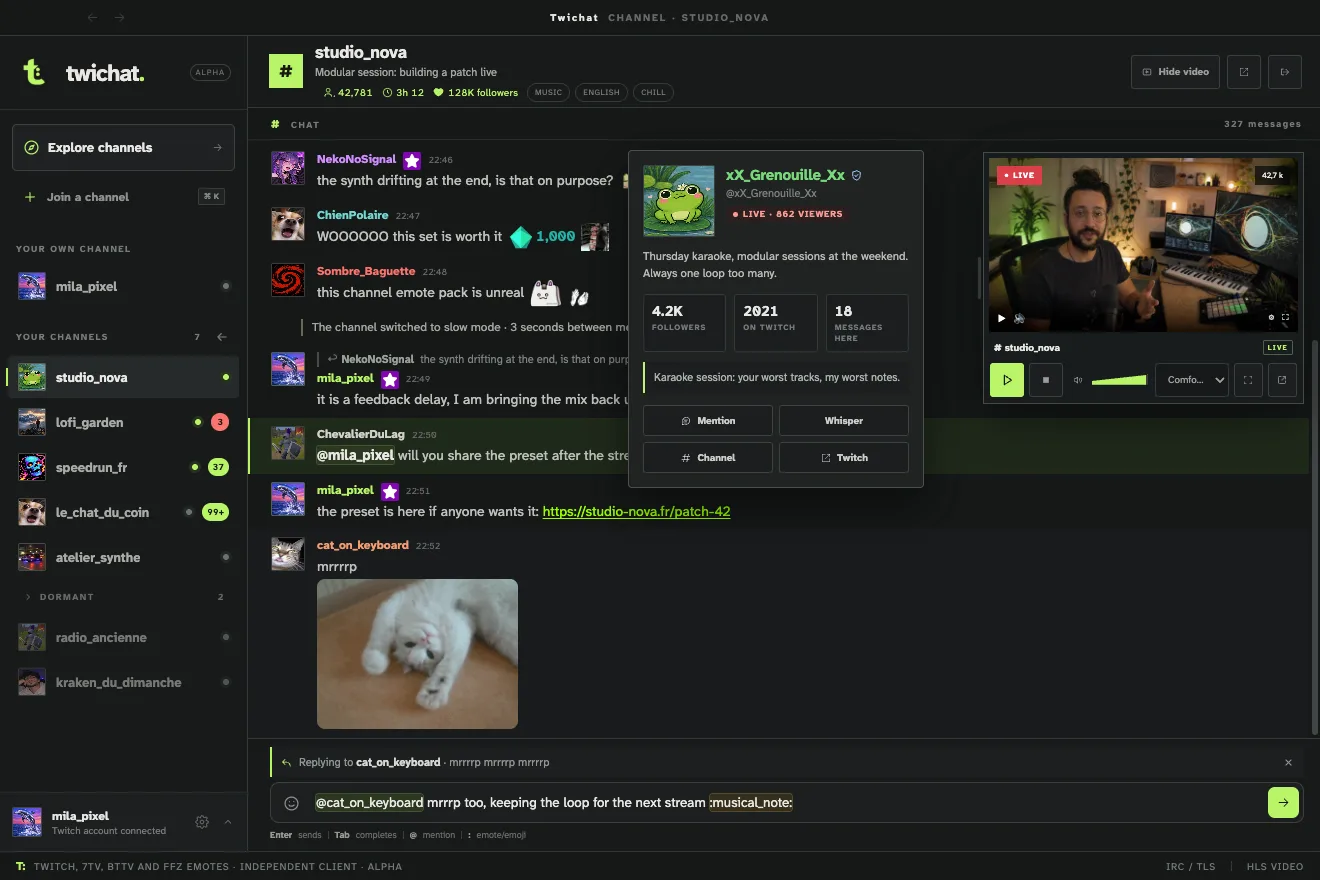
A big video for a tournament, more room for a conversation, or a player in its own window: adjust the layout as your evening goes on.
Enlarge the video when you want a closer look. Shrink it when you want more space for messages.
Emoji and Twitch, 7TV, BetterTTV and FrankerFaceZ emotes in the same application. No extensions to add.
Your channels, chat and video. A clean interface, smooth chat history and quick switching between channels.
A CLOSER LOOK
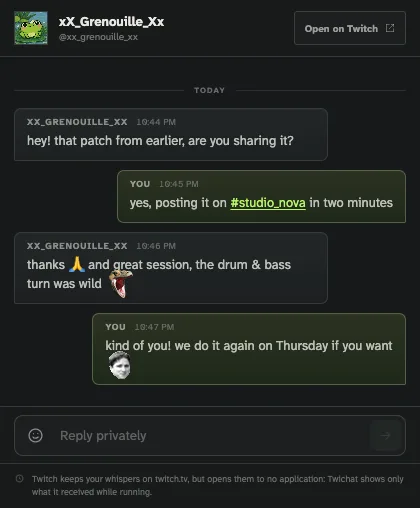
Seven screens of the app, in the theme you are reading. Click one to enlarge it.
WHY TWICHAT · 02
You do not watch every stream the same way. Sometimes you want to focus on the picture. Sometimes the conversation matters more. Give each the space that suits what you are doing.
Keep up to a hundred channels open in an uncluttered interface. Switch quickly between them, with smooth chat and your settings saved.
UNDER THE HOOD · 03
A single TLS connection serves all your channels. Each channel keeps its last 500 messages, and only the ones on screen are in the DOM.
Video starts with the channel, resizes, switches to audio only or to its own window, and detects when the stream stops or comes back.
Twitch avatars are loaded in batches for the authors on screen, along with Twitch, 7TV, BetterTTV and FrankerFaceZ emotes. A mention colours the line and notifies you.
FREQUENTLY ASKED · 04
Twichat is an independent Twitch client, free and currently in alpha on macOS, Windows and Linux. Chat and video sizing, built-in emotes and sign-in: here is what to know before installing it.
Twichat is a desktop Twitch client that lets you choose how much space chat and video get. Enlarge the stream, give messages more room or detach the player. Twitch, 7TV, BetterTTV and FrankerFaceZ emotes are built in, with no extensions to install.
Yes. Anonymous mode lets you read channel chat and watch streams. A Twitch account is only needed to send messages and reach authenticated features.
Twichat uses a secure IRC connection shared across channels. It does not open Twitch's full web page, which keeps resource use down and chat rendering responsive.
Yes. Enlarge or shrink the player, make it full screen or detach it into its own window. Keep video large when you want to watch, or give chat more space when you want to talk. Only one video stream is active at a time.
No. Twichat includes emoji and Twitch, 7TV, BetterTTV and FrankerFaceZ emotes. It shows the emotes available for the channel and your account, with no extensions to install. Subscriber emotes still require the corresponding Twitch access.
Twichat is available for macOS, Windows and Linux. The download offers the build for your system automatically.
DOWNLOAD
Twichat is a desktop application. Open this page on macOS, Windows or Linux to download it.
GitHubmacOS, Windows and Linux
Free download, straight from this site. macOS, Windows and Linux: the build for your system is offered automatically.
MUCH SUPPORT. MANY THANKS.

 Bitcoin
bc1qepkwkrsdjrvgxtlhekhmzktmp3vsa6rp2hqxg4
 Dogecoin
DKZFD5h85VJFXkjj2EaZiEJZtzZhYBsqEQ
 EthereumERC-20
0x0dfB848954Eb0b579fC16F99Ef3434fB80809e0APRACTICAL GUIDE
Pop-out chat, Theater Mode, a second monitor: ways to read chat while keeping the stream visible.
How to show Twitch chat in full screenINSTALLATION, GUIDES AND PROJECT


